
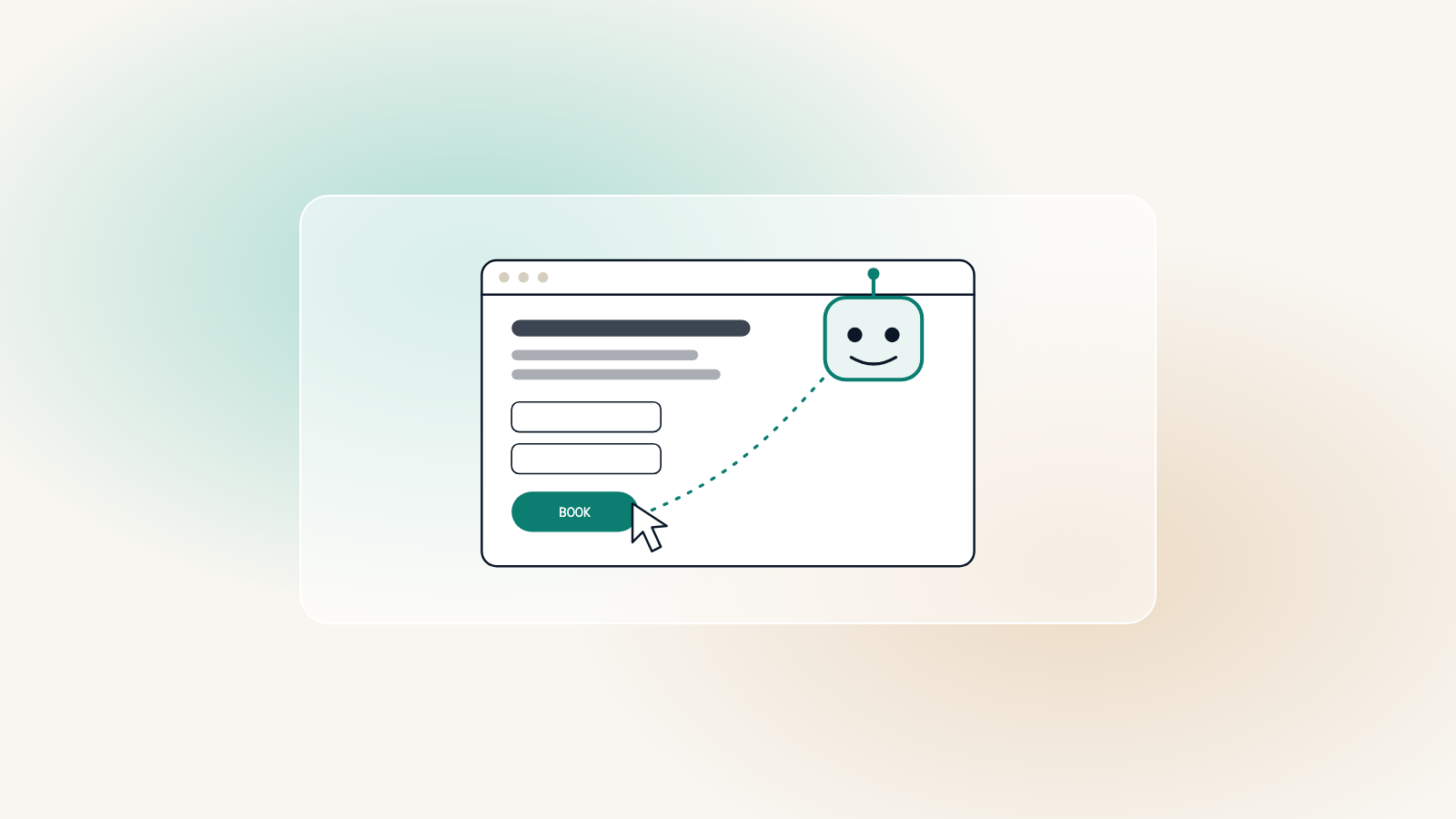
Until recently, every visit to your website came from a person. That is starting to change. AI assistants can now open web pages, read them, fill in forms and click buttons on someone’s behalf: find three family lawyers nearby, compare their fees, book a free consultation with the best fit.
What an AI agent needs from a page
An agent does not see your design the way a person does. It reads the structure underneath: headings, labels, links and buttons. If that structure is clear, the agent can do the job. If it is not, it moves on to a site where it can.
- Buttons that are real buttons, with labels that say what they do
- Form fields with proper labels, not just gray placeholder text
- Prices, opening hours and services written as text, not baked into images
- A clear heading structure, so the important information is easy to find
- Nothing essential hidden behind hover effects or unlabeled icons
Almost everything an AI agent needs is what accessibility already asks for.
Worth knowing
Accessibility does double duty
The same qualities that let a screen reader user book an appointment let an AI agent do it too. A site built to WCAG 2.2 AA, with semantic markup and labeled forms, is already most of the way to being agent-ready.
What to do now
This is early, and it is changing quickly. There is no need to rebuild for agents. There is good reason to make sure your site is accessible, fast and clearly structured, because those qualities serve people and machines alike. Try completing your own contact form using only the keyboard; if that works smoothly, an agent will likely manage too.