A scanner will tell you an image has no alt text. It will not tell you that the alt text it does have says “image”. It will flag a contrast ratio of 3.9:1 and stay silent about a form that cannot be submitted from a keyboard. Automated tools are a good first hour. They are not an audit.
What the tools catch
Missing labels, missing alt attributes, contrast below threshold, duplicate ids, empty links, missing language attributes. All real, all worth fixing, and all things a build should never have shipped with in the first place.
What they miss
Whether the focus order makes sense. Whether the modal traps focus and gives it back. Whether the error message on a form is announced, or just turns red. Whether a link that says “read more” is one of nine on the page. Whether the site works at 200% zoom. Every one of these is a judgment, and scanners do not judge.
The two-hour pass below has found a blocking failure on every site it has been run on that had a clean scanner report.
Worth knowing
The two-hour manual pass
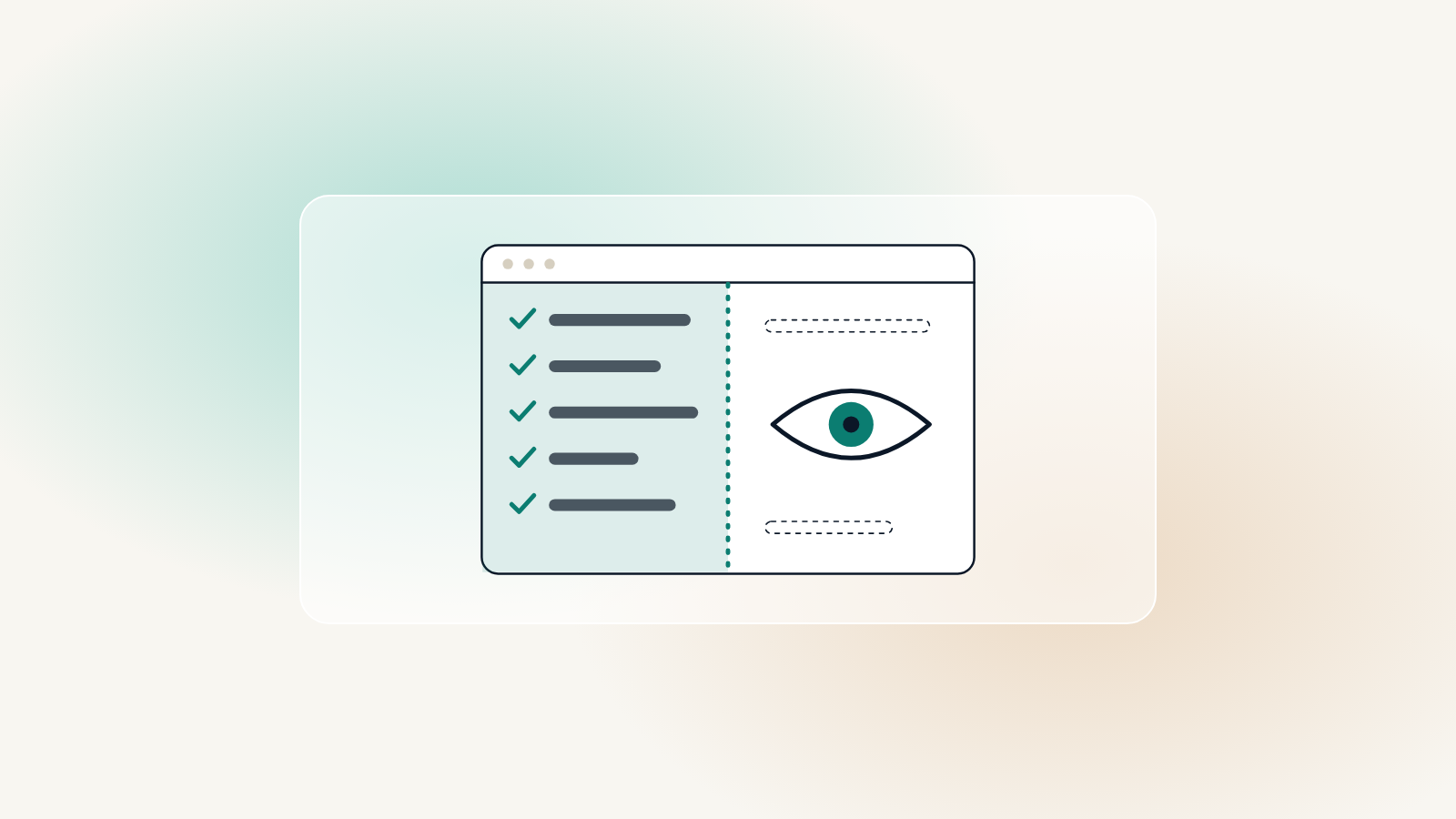
- Unplug the mouse and complete the main task on the site, start to finish
- Turn on VoiceOver or NVDA and do it again
- Zoom to 200% and check nothing overlaps or disappears
- Submit every form empty and check the errors are announced
- Read every link out of context and ask whether it makes sense alone
Do this once a quarter and before every launch. It is not glamorous, and it is the difference between a site that passes a scan and a site that a blind client can use. If you would rather not do it yourself, the Active and Growth care plans include a monthly accessibility check, Growth adds a full quarterly audit, and a free site check outlines the main issues on your site today.