
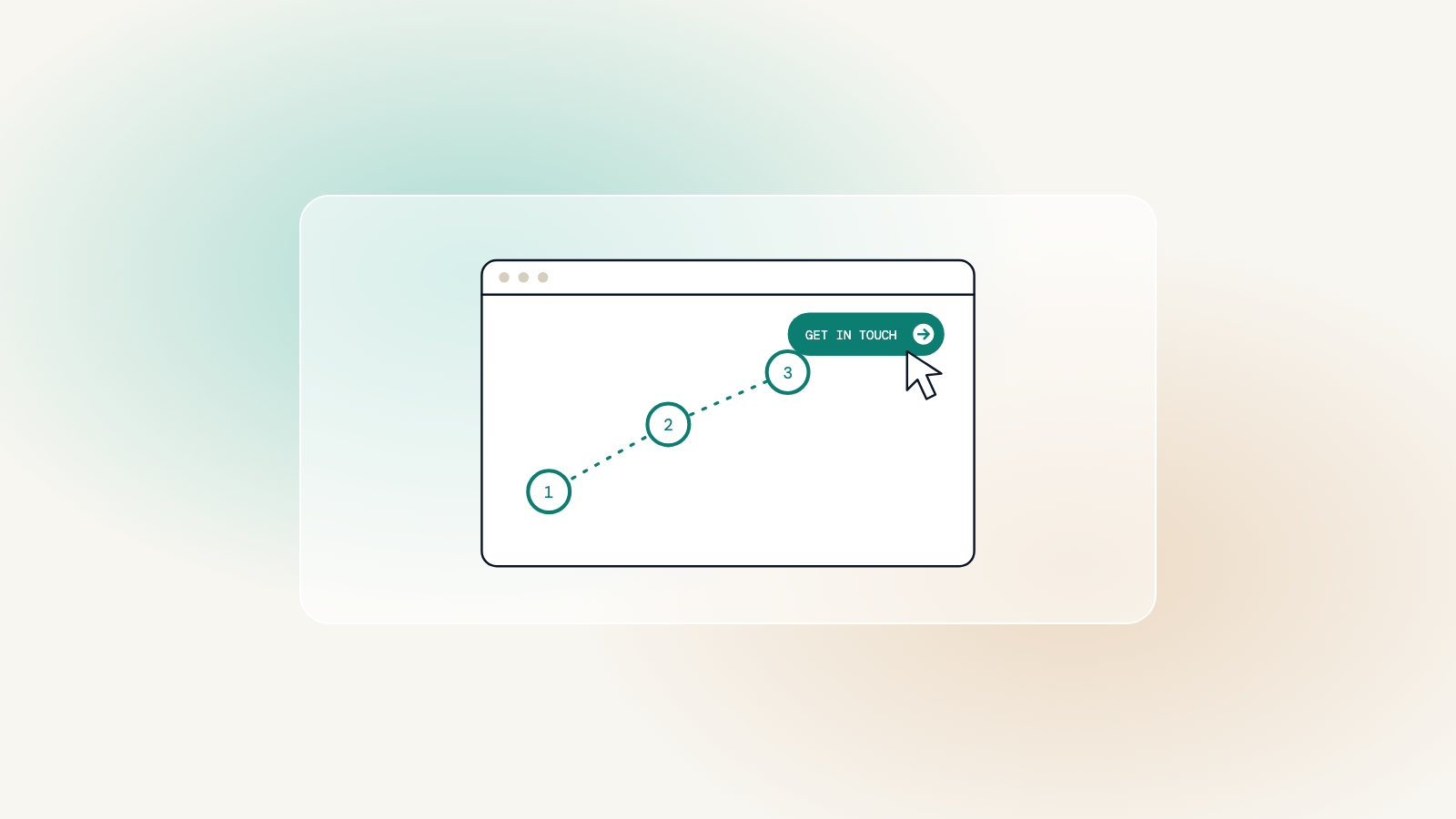
Website conversion is any moment a visitor takes the next step: calling, sending an enquiry, booking a consultation or downloading a guide. Conversion rate is simply the share of visitors who do. It sounds like a sales metric, but it is really a measure of how well a site serves the people who arrive on it.
Helping, not pushing
Pop-ups, countdown timers and fake urgency can raise numbers briefly and cost trust for good. For professional services, trust is the whole sale. A site converts well when it answers people’s questions honestly and makes the next step obvious and easy.
The aim is not more pressure. It is less friction.
Worth knowing
What helps people take the next step
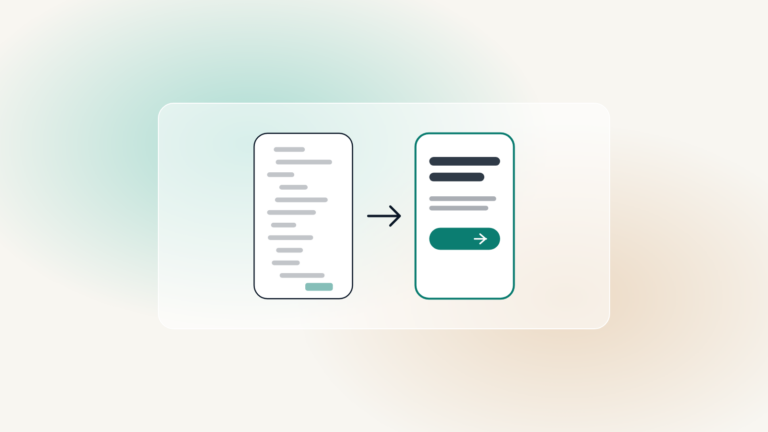
- One clear action on every key page, worded plainly: “Book a free consultation”, not “Submit”
- Contact options that suit the moment: tap to call on a phone, a short form on a desktop
- Reassurance right beside the action: reviews, credentials, and what happens after they get in touch
- Short forms that only ask for what is needed now
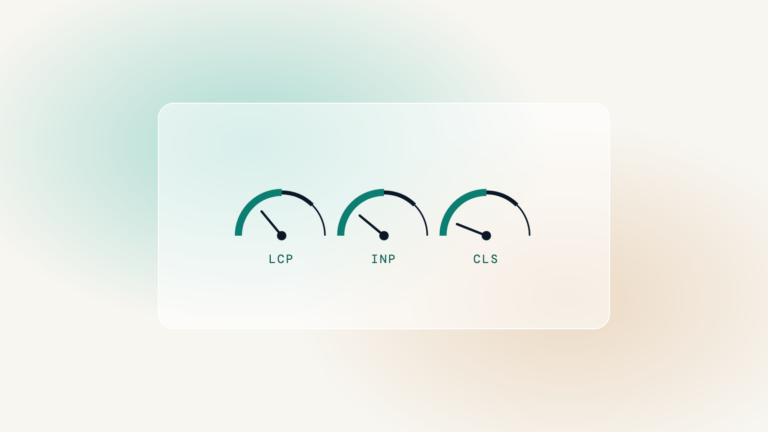
- Fast pages, because a slow page loses people before they read a word
What gets in the way
- Contact details hidden in the footer or on one page only
- Several competing buttons, so nothing stands out
- Jargon that makes visitors unsure whether you help with their problem
- Forms that fail on mobile or lose what was typed after an error
Measuring it
Track the actions that matter, such as form submissions, calls from the site and bookings, and look at which pages they start from. Small changes, tested one at a time, tend to beat a redesign driven by guesswork.
Every WebRen site is designed around the people who visit it, with a clear way to get in touch on every key page. When a site is genuinely helpful, the right people get in touch.