
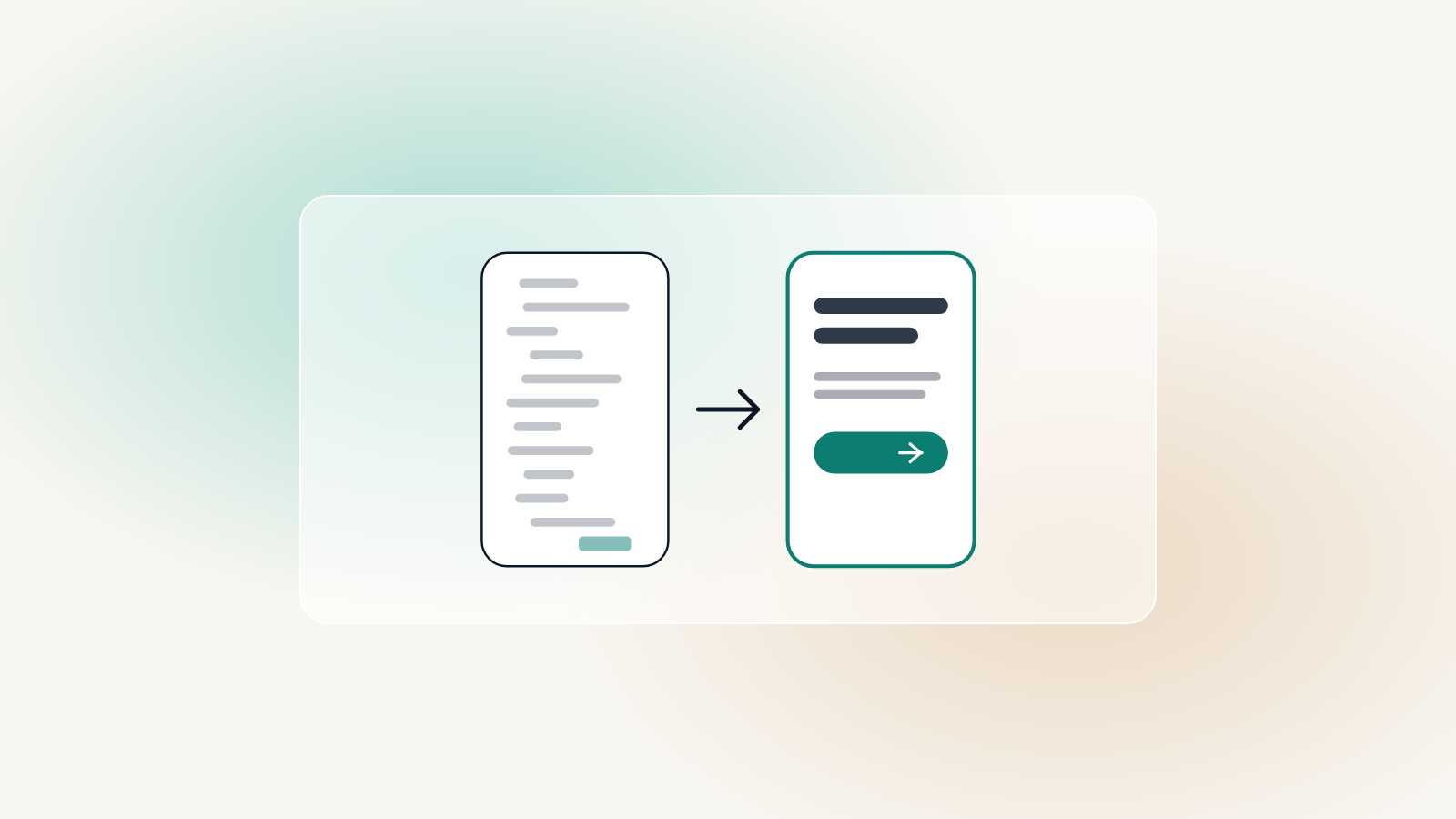
UI and UX are often used as if they mean the same thing. They do not, and the difference explains why a beautiful website can still lose visitors.
The difference in one sentence
UI, the user interface, is what the site looks like: colors, type, buttons and layout. UX, the user experience, is whether people can find what they came for and do what they meant to do, without effort or doubt. A site can have a polished UI and a frustrating UX.
Bad UX, good UX
Most UX problems are small decisions that each add a moment of friction. A few common ones:
- Menus: bad is “Solutions” and “Capabilities”; good is “Family law” and “Personal injury”, the words visitors actually use
- Phone numbers: bad is a number that is just text on a phone; good is one tap to call
- Homepages: bad is a rotating slider with five messages; good is one clear headline saying who you help and how
- Forms: bad is twelve fields and a vague error in red; good is four fields and an error that says exactly what to fix
- Prices: bad is “contact us for a quote” everywhere; good is a clear starting price, so people can tell if you are in range
Good UX is mostly invisible. People only notice it when it is missing.
Worth knowing
How good UX is designed
It starts with the people who visit, not with the layout. What did they come for, what are they worried about, and what would make getting in touch feel easy? Wireframes come before visual design, so the structure is right before anyone argues about colors.
Then it is tested: on a real phone, with only a keyboard, and by someone who has never seen the site before. Every place they hesitate is a place to fix.
Why it pays off
Better UX means fewer abandoned forms, fewer phone calls asking for information that should have been on the site, and more of the right people getting in touch. It is the part of a website that quietly does the work.