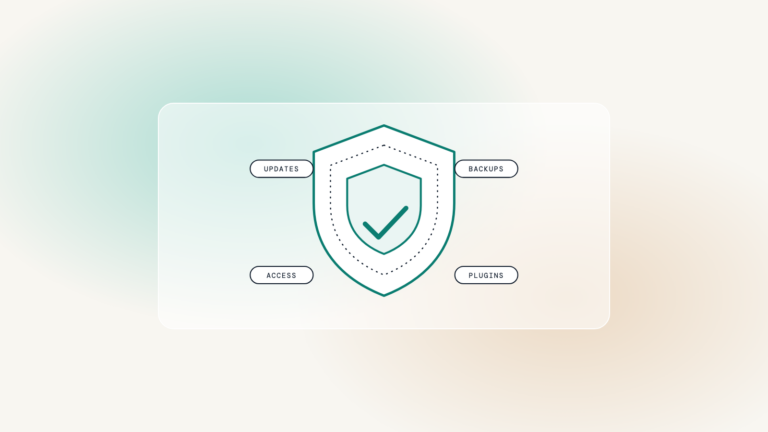

Most WordPress sites that get compromised were not targeted. They were found by a script looking for a known hole in a plugin that had an update waiting for eight months. Security on a small site is not clever; it is a short list of habits, kept.
Updates, on a schedule
Core, theme and plugins, at least monthly, tested on staging first. Not when someone remembers, and not on the live site while a client is filling in a form. Most of the vulnerabilities that get exploited had a fix available before anyone exploited them.
Accounts, and who still has one
Every account is a door. Remove the agency that built the site, the intern who left, and the user called “admin”. Give the ones that remain two-factor authentication and the lowest role that lets them do their job.
A site with twelve administrator accounts is not twelve times as convenient. It is twelve times as easy to get into.
Worth knowing
Backups you have actually restored
Daily, off site, kept for thirty days. Then, once, restore one to staging and check that it works. A backup nobody has ever restored is a hope, not a plan.
Security headers
A few lines of server configuration that tell browsers what your site is allowed to do: no framing by other sites, no guessing at content types, HTTPS only. Free, quick, and missing on most sites WebRen checks.
A vetted plugin list
- Every plugin earns its place: actively maintained, well reviewed, and doing a job nothing else on the site does
- Deactivated is not uninstalled; remove what is no longer used
- If two plugins do the same job, keep the better one
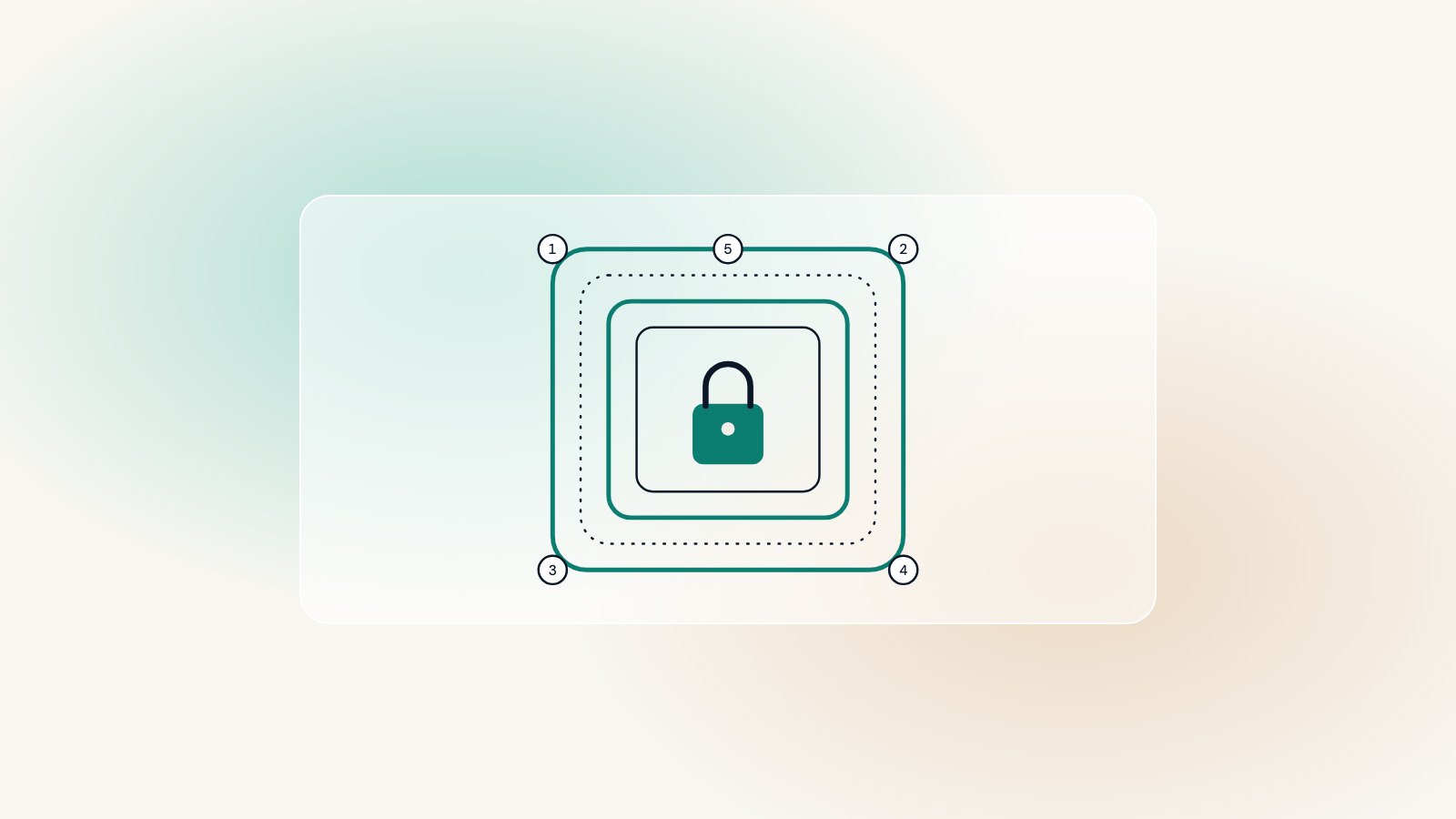
A good security plugin helps, but it works best on top of these habits, not instead of them. A care plan does all five every month; if you run the site yourself, put the first two in the calendar and do the third once.