
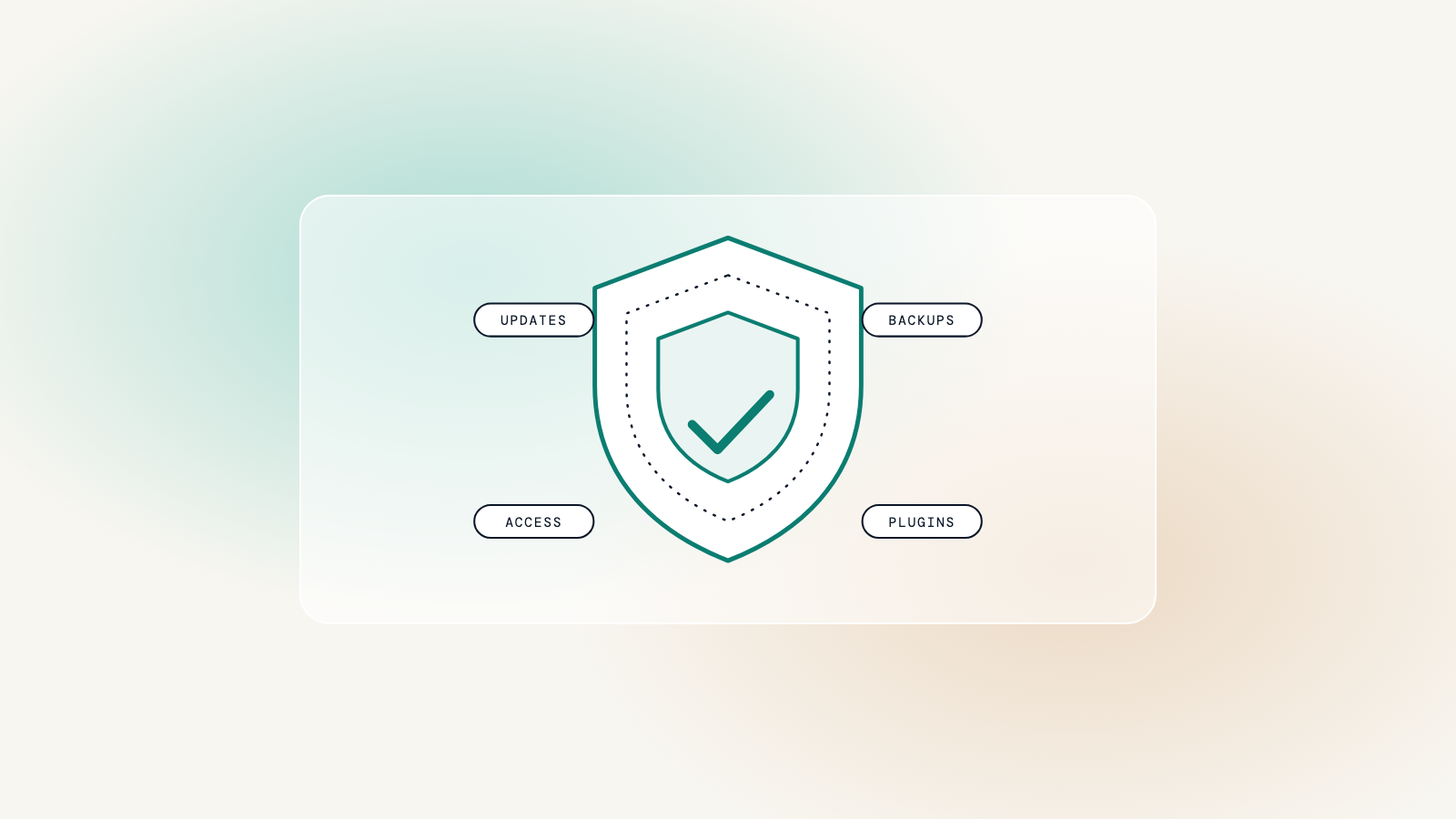
Most websites are not attacked by someone who chose them. They are found by automated scripts that scan thousands of sites a day for one known weakness. Good security is not about being a hard target for a determined attacker; it is about not being the easy one when the scan comes round.
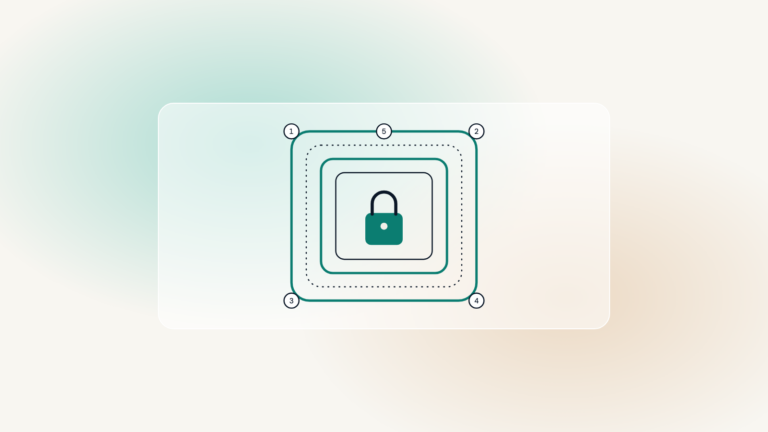
Security is layers
No single product makes a site secure. Each layer covers what the others miss, so a gap in one does not open the whole site.
- Hosting: a server that is patched, isolated from other sites and backed up
- Updates: WordPress, the theme and plugins kept current, tested on a copy first
- Access: few accounts, strong passwords and two-factor authentication
- Backups: daily copies stored somewhere else, and restored at least once to prove they work
- Monitoring: something watching for downtime and newly disclosed vulnerabilities
Where plugins fit in
Plugins are part of how WordPress works, and the right ones make a site safer. A reputable security plugin can block known attacks, a vulnerability service can warn the moment a weakness is disclosed, and a two-factor plugin protects every login.
What matters is that each plugin is chosen for a reason: actively maintained, well reviewed, and doing a job nothing else on the site already does. A short list of vetted plugins is easier to keep updated than a long list nobody has reviewed.
A plugin is not a risk because it is a plugin. It is a risk when nobody is updating it.
Worth knowing
What to ask whoever looks after your site
- When were updates last applied, and were they tested first?
- Where are the backups, and when was one last restored?
- Who has an administrator account, and do they all use two-factor?
- What happens if a plugin on the site has a vulnerability announced tomorrow?
If any of those answers is a pause, that is the place to start. A care plan covers all of them every month, so the answers are always on hand.