
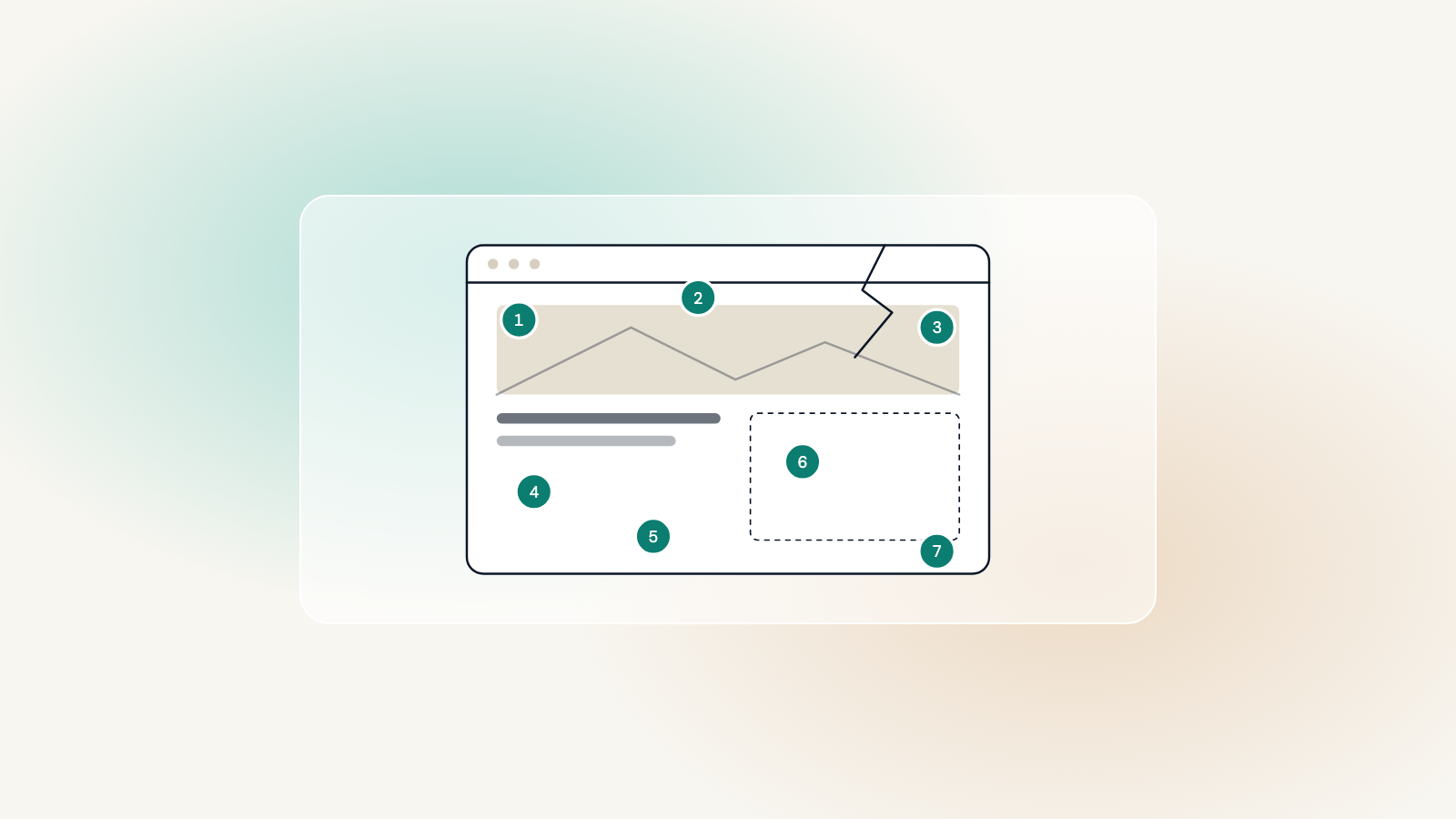
Sites rarely fail on a particular day. They drift: a plugin here, a workaround there, a design that made sense when most visitors were on a desktop. Here are the seven signs that decide whether a site needs a WordPress rebuild, or just a few fixes.
It is slow on a phone
Open your homepage on a mid-range phone, on mobile data rather than the office wifi. If the biggest thing on screen takes more than three seconds to appear, visitors are leaving before they see it. That is your Largest Contentful Paint, and it is usually a build problem, not a hosting one.
You cannot change it yourself
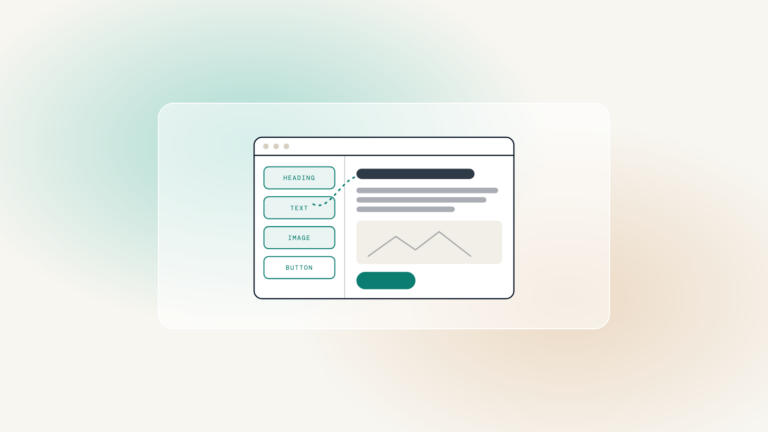
An opening time, a team member, a price. If any of those means emailing a developer and waiting, the site is not editable in any meaningful sense. Every word should live in the CMS, in a block named in your language.
The plugin list has stopped being reviewed
Forty plugins, six of them doing the same thing, two abandoned by their authors. Each one is an update to trust and a door to lock. When nobody can say what half of them do, the site has outgrown the people looking after it.
Almost every site that comes in for a rebuild has at least one plugin with a known vulnerability and an update that has been waiting for months.
Worth knowing
It fails people using a keyboard or a screen reader
Unplug the mouse and try to complete your own contact form. If you cannot, neither can a client who relies on a keyboard. Accessibility is a legal expectation in most markets now, and a scanner catches only about a third of the failures.
The last three
- Nobody knows where the backups are, or has ever restored one
- The design was last touched before the phone became the main screen
- The agency that built it has moved on, and the theme has not been updated since
Two or three of these can be fixed in place. Five or more, and you are paying to maintain a site that is working against you. The free site checker tells you which apply to yours.