

This is not a post about Elementor being bad software. It is popular for a reason: anyone can drag a box onto a page. It is a post about what that convenience costs the people who have to live with the site afterwards, and why WebRen decided the trade is not worth making for its clients. It also covers the Elementor alternative WebRen uses instead: a block-based build with custom blocks.
The markup
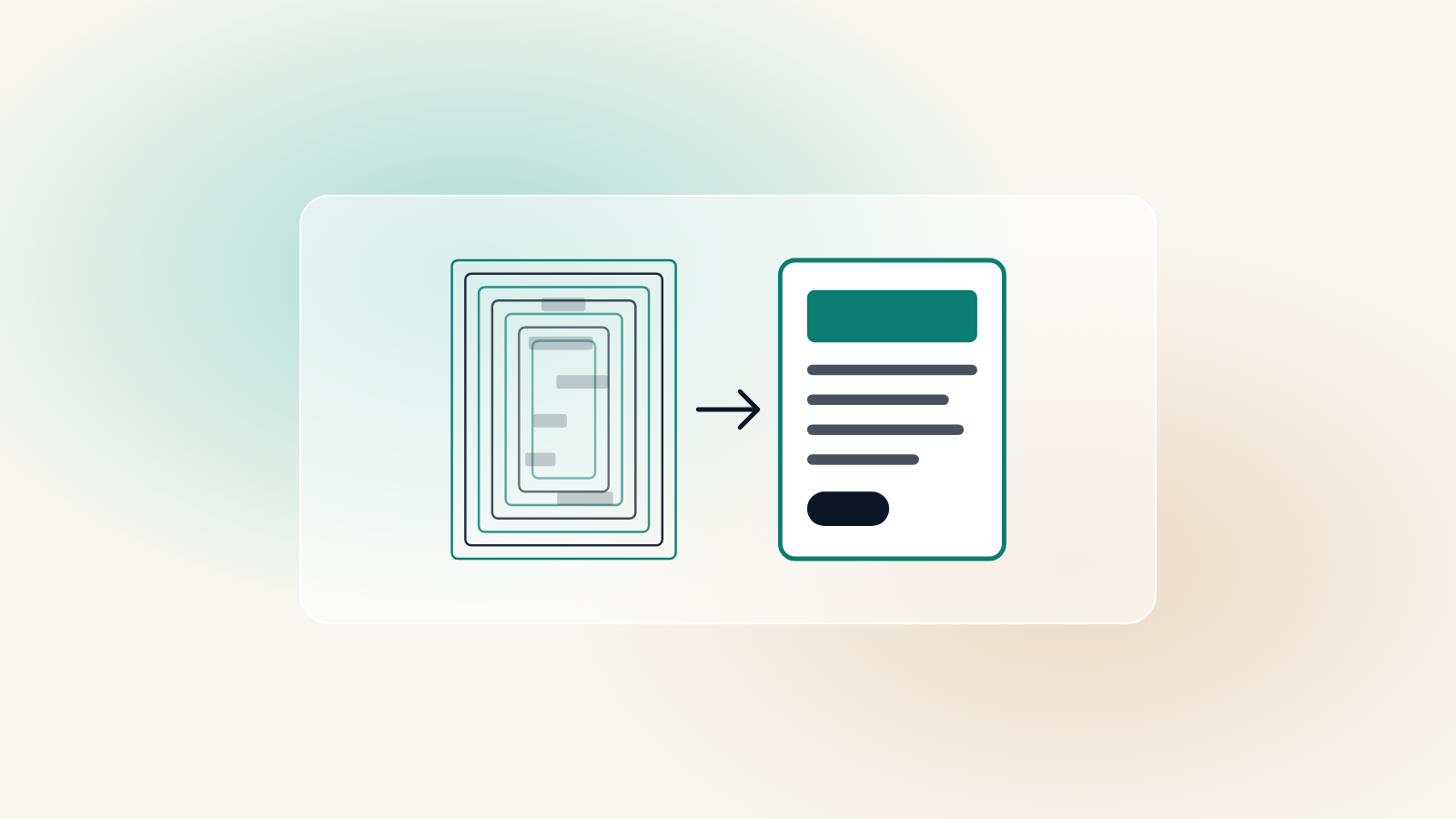
A simple two-column section in a page builder is typically nested six or seven divs deep before any content appears. Multiply that by every section on every page and the browser is parsing four times the HTML it needs to, on a phone, before it can draw anything. That is your Largest Contentful Paint gone before the first image loads.
The accessibility ceiling
Builders generate their own markup for menus, tabs, accordions and forms. When that markup is wrong for a screen reader, and it often is, there is no setting to fix it. You are waiting on the vendor. A custom block is twenty lines of HTML that can be fixed in an afternoon.
If the fix for an accessibility failure is “wait for the next plugin release”, the site is not yours to maintain.
Worth knowing
The license
Deactivate a page builder and the content does not come back as paragraphs. It comes back as shortcodes and JSON. Your site is portable in theory and hostage in practice. A block-based build exports as HTML that any future developer can open.
- Native blocks named in your language, not the plugin’s
- Markup you can see, and that can be changed when it is wrong
- A site that still works when the license lapses